Category Archives: 2025

Soft Launch 2026: Week 1

I’m following Courtney from The Order of the Planner Stencils as she takes us through Soft Launch 2026! This is where we get our planners ready for the new year in slow steps, so we are not thrust into the new year with a blank page, feeling that we are already behind on Day 1.

The Order of the Planner Stencils YouTube Channel and link to the Soft Launch 2026 Playlist.

Courtney started this series about 3 weeks ago at this point, but I just had my 2026 planner delivered today, so I’m jumping in now and hoping to catch up!

(Quick note: I have a lot of links to vendors in this post. I don’t get any money from the links, but just sharing them in case you are interested in seeing the things I’m talking about or are interested in getting some for yourself.)

Evaluate Your 2025 Planners

The first question is how many planners are you using. Good question. I have been all over the place searching for that elusive “planner peace.” I like the idea of simplicity, but I find that if it’s not too engaging, then… I don’t engage with my planner and I miss things. However, if it is too complicated, I will not have enough time to keep up with it and – again – it just won’t work for me. I like making my weekly planner spreads look pretty, but often this requires me to back-plan in order to space everything out aesthetically. So, how do I balance functional planning with decorative planning?

For many years, I have had one planner solely dedicated to work and (at least) one for “everything else.” Frequently, I would copy my work events into my primary planner. Starting two years ago or so, I started only putting work items into my primary planner if they affected my life outside of work, E.g . if I had to do something off-hours or was on-call for the week, or if there was an event happening that would call me into the office. (Now that I primarily work from home, I have to prepare myself for the commute!)

I have been using a daily planner for work for quite some time, but this year, after religiously updating my work planner every day, I’ve found that I have been neglecting this habit and not using it as often. I don’t tend to have as many To Dos day-to-day, so a dedicated To Do list hasn’t been needed lately. For this reason, I’m thinking of ditching my daily work planner for 2026 and just using our company’s Outlook.

I’ve been fairly happy with my MakseLife planner for my primary weekly planner, but finding that I haven’t been using the goal-setting sections as much as I had thought. Also, I like the idea of having my weekly spreads back-to-back, instead of having the weekly goal sheets in between. So this year, I am switching back to using an Erin Condren vertical. And for the first time in my life, I’m selecting the neutral inside instead of the bold, colorful one (WHAT?! I know.) Since I use sticker kits every week, it’s just easier than trying to cover up a large, darkly colored hexagon cluster on the monthly spread, or have to change the color blocks in the weekly view.
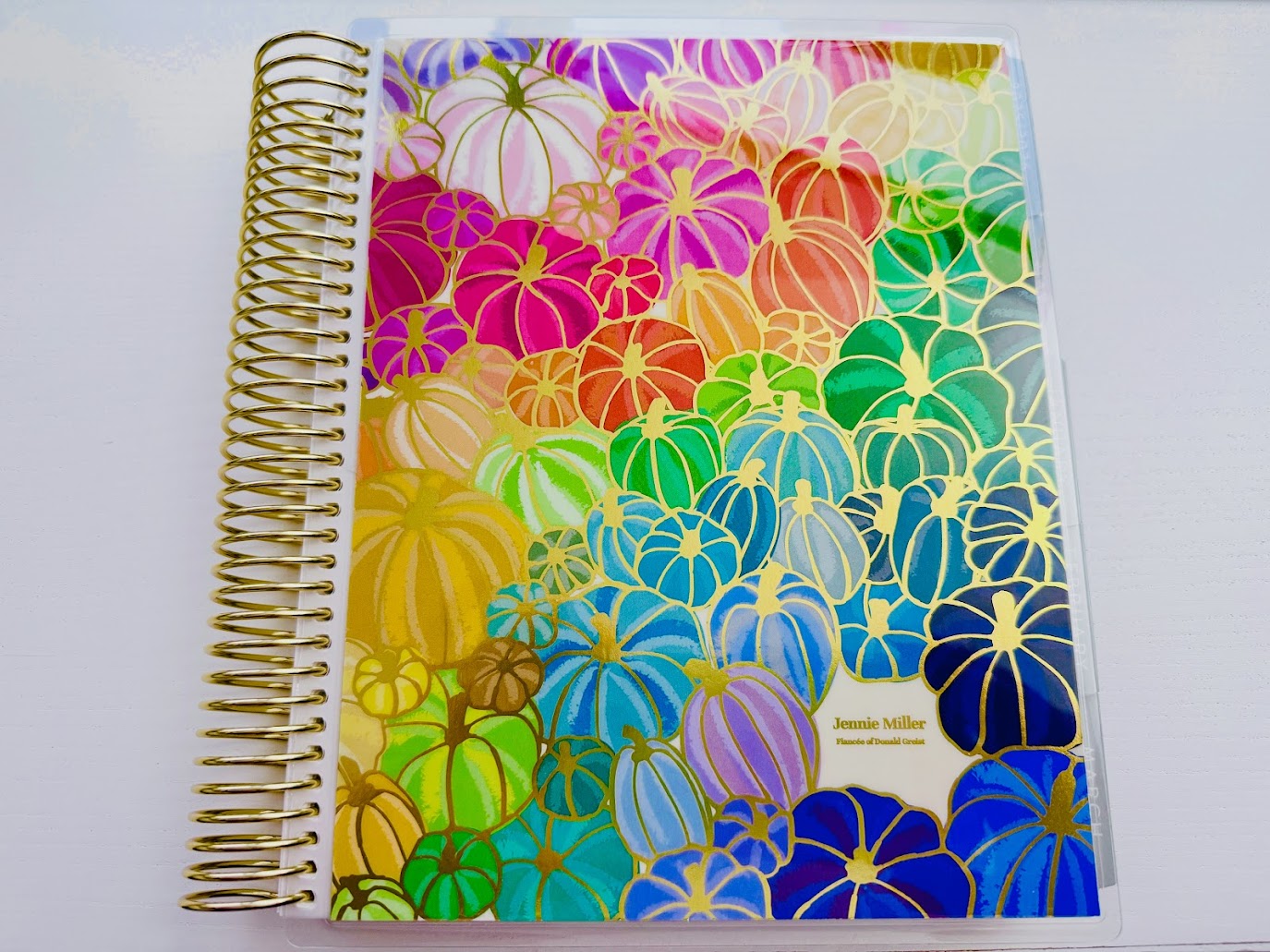
One planner for 2026! Whoo!

Well, maybe not quite….

I’m still hoping to get married in 2026, so there’s the Wedding Planner that has been sitting on the shelf WAITING for a wedding date…. TBD. Pray for us!

Make a 2026 Wishlist

What do I need to make my planning game work? My first thought was that I have all the things I need already, but this isn’t quite true.

I will need monthly kits and weekly kits. I like the monthly kits to all match, so I probably want to get them from the same shop. Last year, I got them all from TheCoffeeMonsterzCo. For 2026, I might buy from PlannerKate or Krissyanne Designs.

I tried using a tracker last year to plan out which weekly kits I was going to use during the year, both to use up what I have and to avoid overbuying for a specific holiday or season. This worked more or less, but I’m interested to see how I can make this more efficient.

For my Bookworm Life planner, I will need date dots (since it is undated).

Make a 2026 Line-Up

  • EC Vertical Neutral Weekly Lifeplanner
  • EC Wedding Planner (hopefully!)
  • Bookworm Life Planner from PeanutButterTaco – As a note, the 2026 version of the BWL will be on sale starting October 14th on Etsy.
  • Junk Journal – Does this count? I put in here random memories, photos, and ephemera from my day-to-day.
Book Review – “A Merry Little Lie”

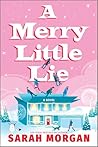
A Merry Little LieA Merry Little Lie by Sarah Morgan
My rating: 4 of 5 stars

This was a super cute Christmas story that follows 3 siblings and their partners gathering at their childhood home for the holiday. Each of the siblings has a big secret they have been keeping from their normally close-knit family, and Mom Jenny is anxious to have one last perfect Christmas before everything changes. It had all of the feels of a cozy Hallmark-style movie. I enjoyed the multiple POVs and how each character was genuinely interested in the feelings of their family members and in resolving conflict in a respectful and peaceful manner. We don’t often get to see healthy conflict resolution in the media we consume. Each of these secrets had the potential to cause some serious emotional damage, but the characters approached the revelations seeking to understand and heal instead of blame and reject.

There were several different twists in the story. One, I predicted pretty early on, but then was led to reject my prediction – a pretty clever redirect by the author! The main point of the story was that keeping feelings bottled up, swept under a rug, or creating little white lies to “protect” others is never going to lead to anything but isolation and hurt feelings. Being open, honest, and emotionally mature is always the best way to go.

This felt very authentic – coming from someone who is used to having large, chaotic family holiday get-togethers with plenty of drama. And of course, all of the adult sibling squabbling, which always seems to crop up, no matter how old you get.

I would enthusiastically recommend this to my friends, especially as the nights get colder and longer and the holiday season approaches. Bake some cookies, make some hot chocolate, and settle in for a enjoyable night!

View all my reviews

I was able to read and review this book before it is released thanks to Netgalley! It is scheduled to be released on October 7, 2025. Below is a sample of the book from Amazon.

Nature's Calling Week 2 Thumbnail showing my sim, Linden, with her dog, Toro.

Sims 4 Nature’s Calling: Week 2

Last week when I started playing the Nature’s Calling event, I just took a million screenshots, and then chose a select few to illustrate my blog post. This week, I’m playing around with some video editing.

I’ve screen captured myself playing the Sims 4 Nature’s Calling event for Week 2 and put it on my personal YouTube channel. I’ll embed that below, so you can watch it if you are interested.

I haven’t done any serious video editing in quite a while (and that was in Final Cut Pro, and I’m using Adobe Premiere now), so I’m back to newbie skill level. I’m hoping that this will inspire me to edit and post more of our travel videos (since we have a 3 1/2 year backlog already!). My edits are pretty minimal in this video, although I did learn how to do my closed captioning, so I’m pretty excited about that.

Here is a link to the video I watched to learn how to do the closed captioning. Both for your benefit, and my future reference. You’re welcome!

I also got to hear all of my “so,” “like,” and “um” words…. Sooo, that’s great….

🙂

I’m sure my narration will get better the more that I do it and am aware of what I’m saying.

I played these quests a bit later in the week – because life – so the Week 3 quests should be available in just a couple days. Let me know in comments if you’d prefer I share my experience via screenshots like in Week 1, or if you prefer the video walkthrough from this week.

The screenshot method is certainly a lot quicker to do, but I feel that the video option is a bit more… personable. (And by my unpolished presentation, you can be sure that it’s not AI generated!) I captured just over an hour of gameplay (after capturing and then losing about 1/3 of the gameplay because I didn’t know what I was doing). Next, I recorded my voiceover where I narrated the gameplay events. This took the same length of time, since I did it all in one take. I used Quicktime for both the screen capture and audio recording. I think it worked pretty well, considering that it’s a free app that came pre-installed on my Mac. Editing the video in Premiere took several hours, but I got it down to about 40 minutes. It took another 40 minutes to encode. Then, I was ready to upload it to YouTube. It was 1 am at this point and said that it would take 3 hours, so I went to bed. I ended up waking up around 5 am and couldn’t resist working on it some more. I finished all of the background video settings in YouTube Studio and published it. Then, learned how to do the captions and added those. After finalizing things on YouTube, I linked it on my Facebook page, and came here to make this blog post. It’s just about 7:30 am now, so post-upload editing took me 2 1/2 hours. I’m confident that I can get my production times down as I get more competent!

I hope you enjoy, and thank you for your feedback!

Sims 4 Nature’s Calling: Week 1

The Sims is by far my favorite game. It’s the only one that I’ve played with any regularity over quite a span of years. I’ve nearly collected all of the expansion packs, game packs and stuff packs (who can keep up with all of the kits unless you’re a Sims YouTuber or Twitch streamer?) and love finding out new ways to play the game.

To celebrate the upcoming Enchanted by Nature expansion pack (dropping July 10!), EA just launched a new in-game event called Nature’s Calling, and I jumped in as soon as it dropped today.

🌿 Week 1, Quest 1: Whispers on the Wind

Intro Text for Whispers on the Wind
Whispers on the Wind

The first quest, Whispers on the Wind, had two required and one optional tasks. The optional tasks in this event require specific content to have been purchased for your version of Sims 4.

⚠️ Don’t skip the optional task! Once you complete the required objectives, the optional one disappears. Do it first if you want the bonus reward.

📌 Tasks:

  • [Optional] Place a Romantic Blanket from the Lovestruck Pack on your home lot
  • ✅ Spend time outdoors
  • ✅ Visit any park

I bought the blanket first, and put it on the lot, then had my Sim, Linden Zamia (a plant name, of course), make herself a nice garden salad picnic and enjoy it outside (fulfilling another task).

Linden eating her garden salad outside

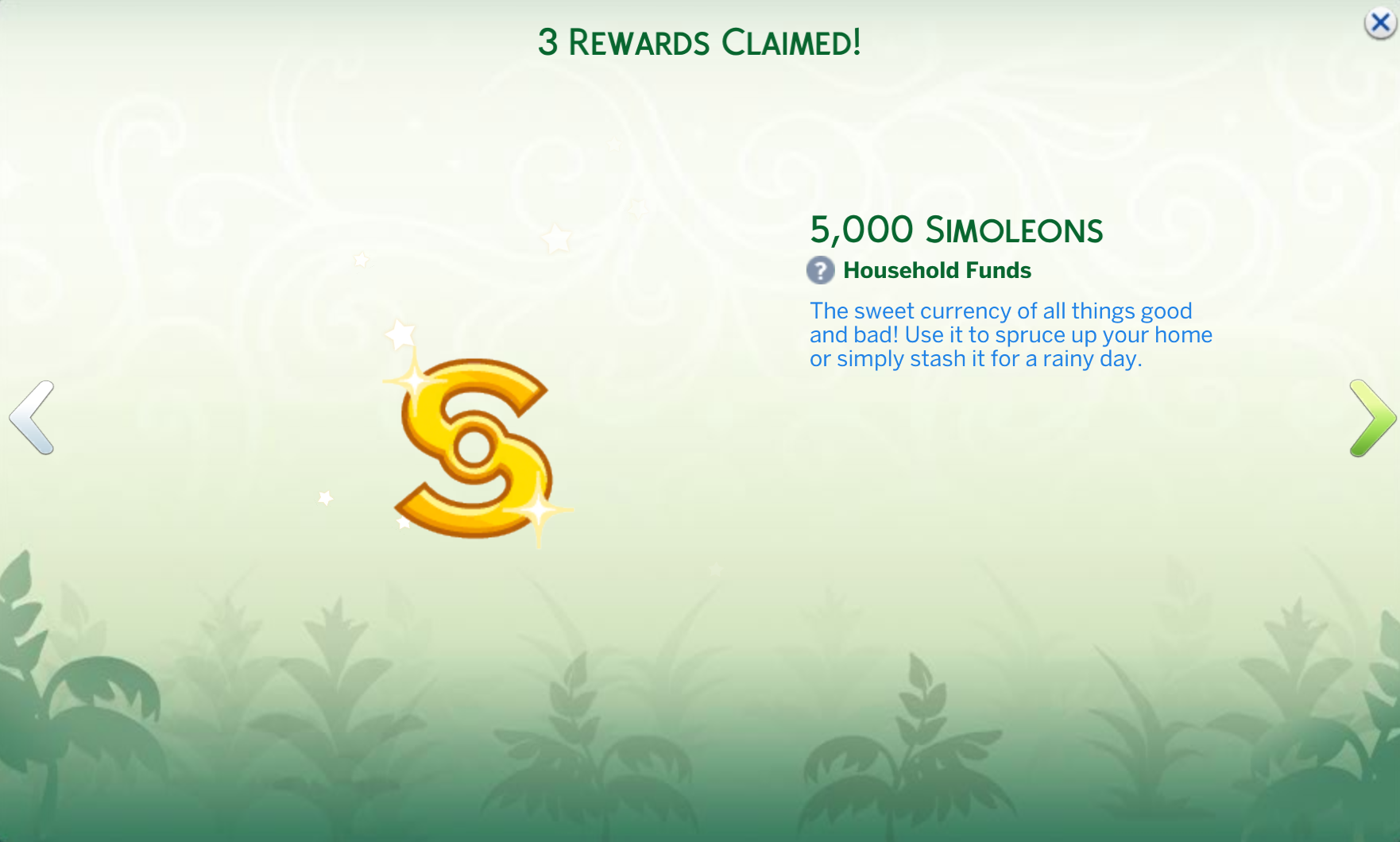
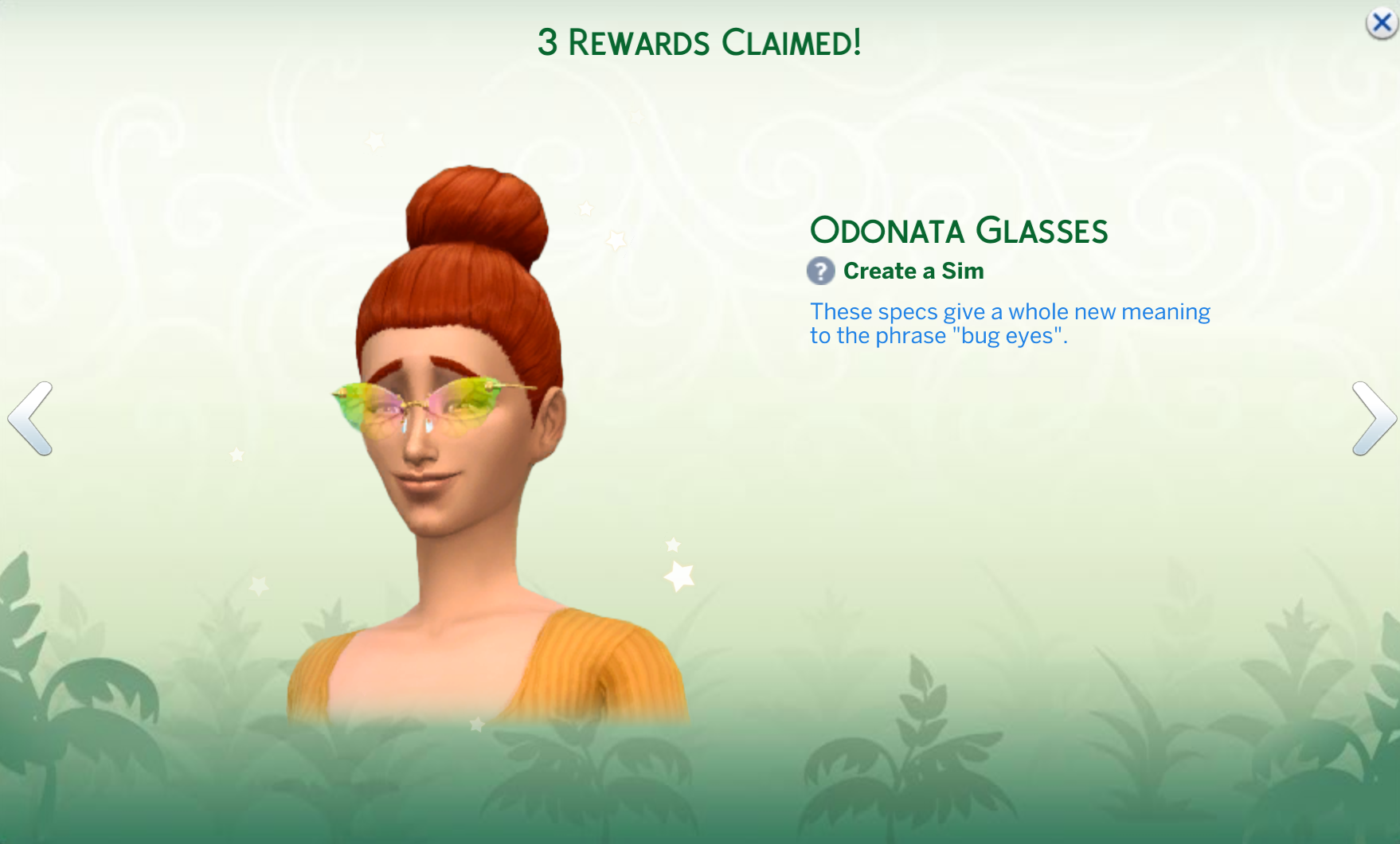
After her picnic lunch, I had Linden go to the Isle of Volpe Park in her home neighborhood of Henford-on-Bagley. This completed the Whispers on the Wind quest and I received the Reclaimed Woodworking Table, 5,000 Simoleons, and the Odonata Glasses.

🌿 Week 1, Quest 2: Attuned to the Echoes

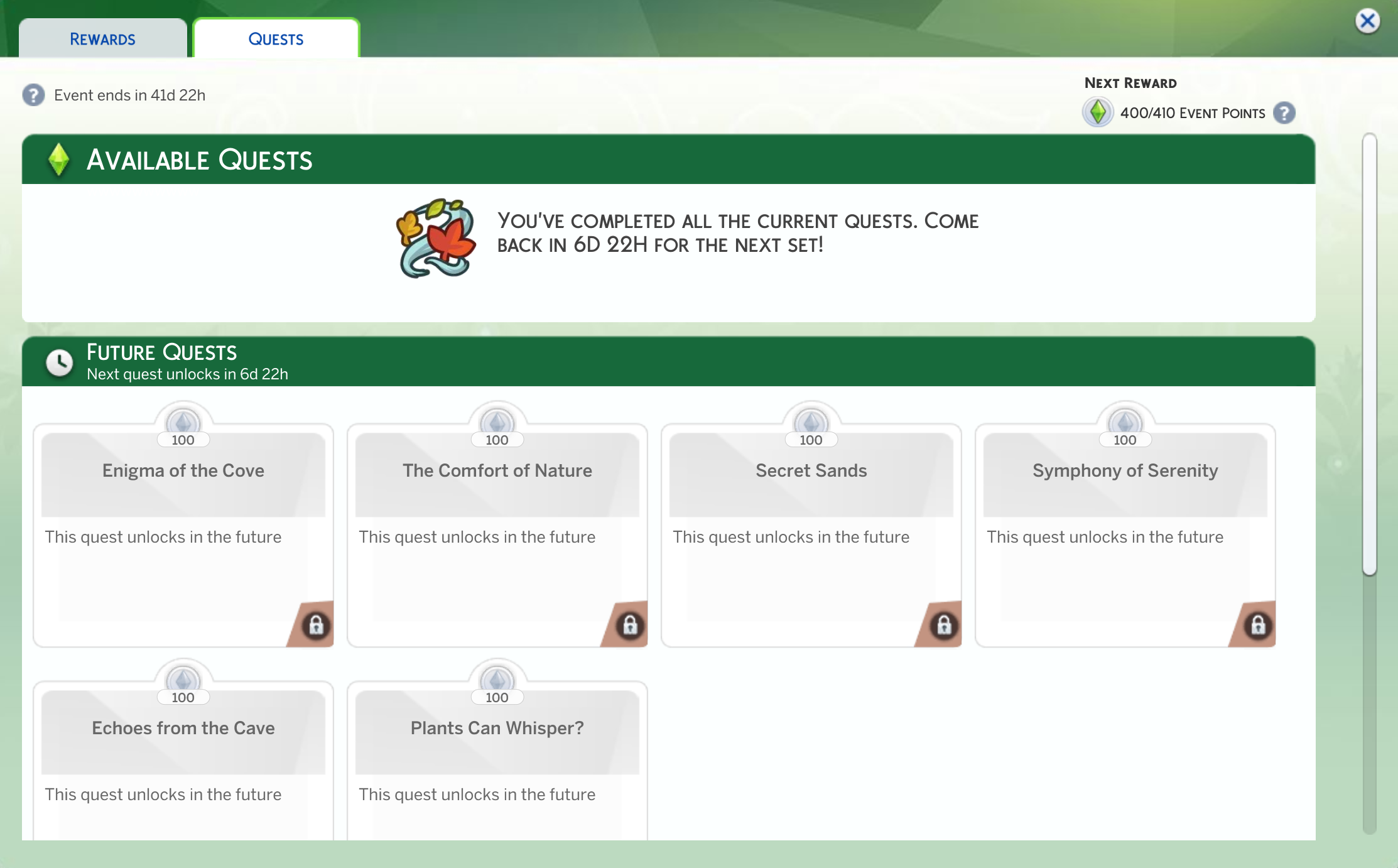
The Quests tab on the Rewards pop-up showed the next quest available this week: Attuned to the Echoes.

Quest tab of the Rewards pop-up window
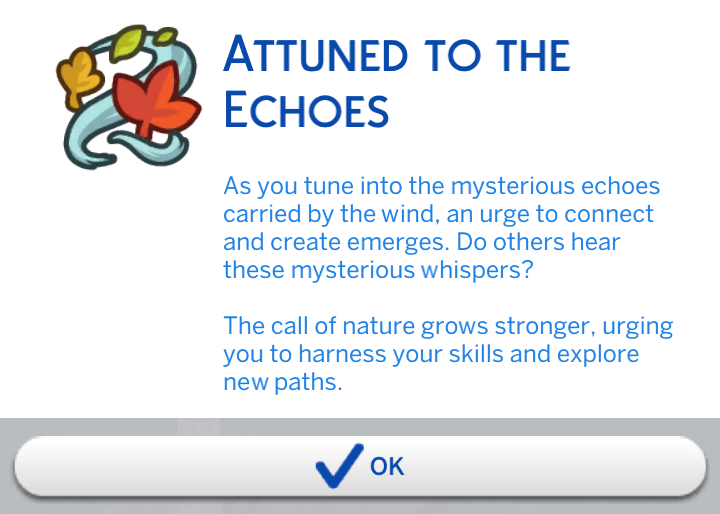
Intro text to Attuned to the Echoes
Attuned to the Echoes

📌 Tasks:

  • 🎣 Fish from a pond (It took me a minute to find the fishing sign by the river, and apparently a river works – doesn’t have to literally be a pond)
  • 🌥️ Cloudgaze or stargaze
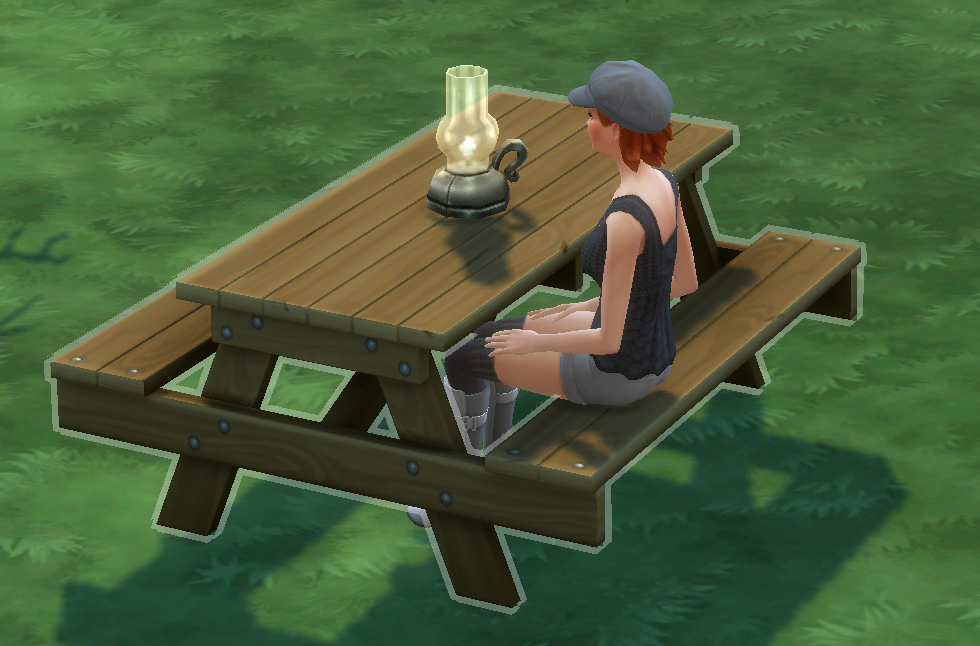
  • 🪑 Sit on a park bench and “listen to the wind” (The picnic table by the river worked to fulfill this one)
  • 🗣️ Ask a Sim if they “hear the whisperings” (Luckily, a nearby Sim was grilling)
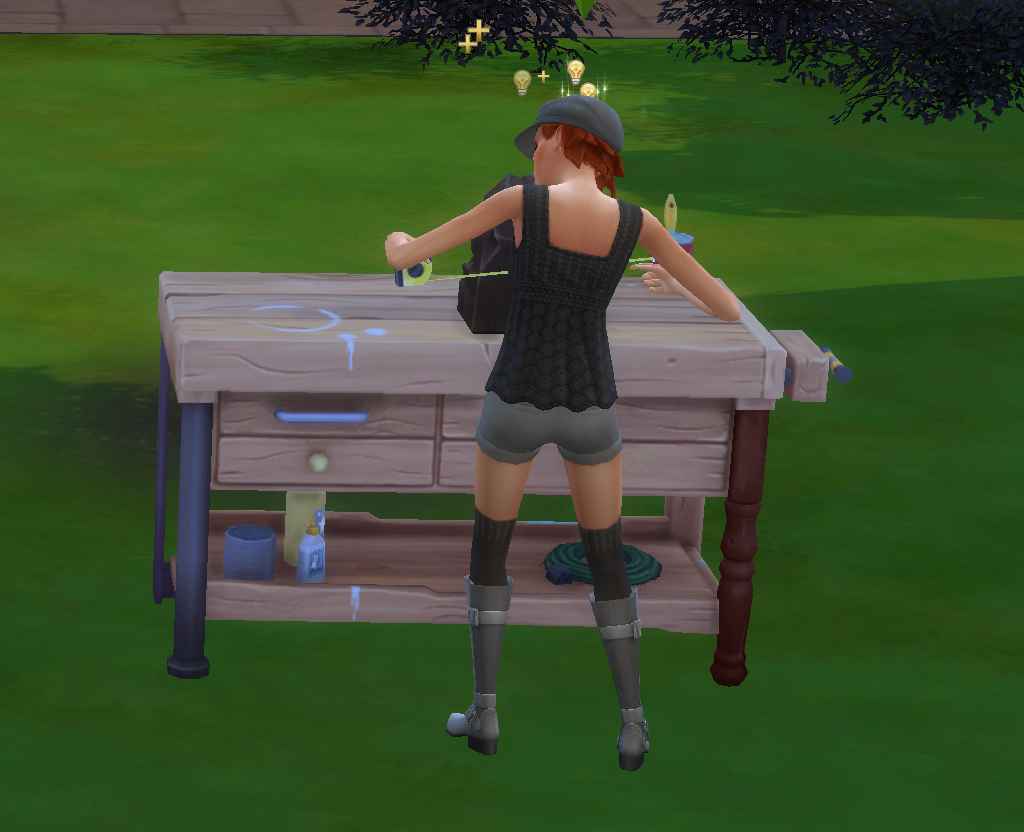
  • 🛠️ Place the Reclaimed Woodworking Table on your home lot
  • 🪵 Craft two sculptures on the woodworking table (Linden’s handiness skill is … a work in progress)

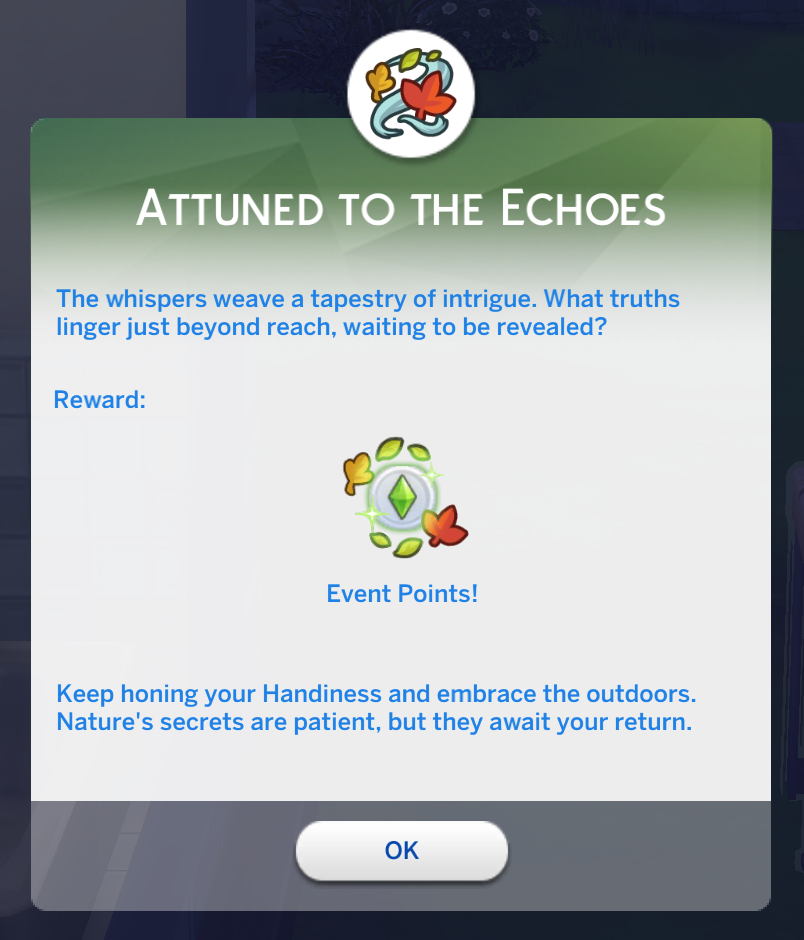
When listening to the wind at the picnic table, I received this notification:

Linden using her new woodworking table
Linden hard at work making sculptures. It’s all about the skill gainz!

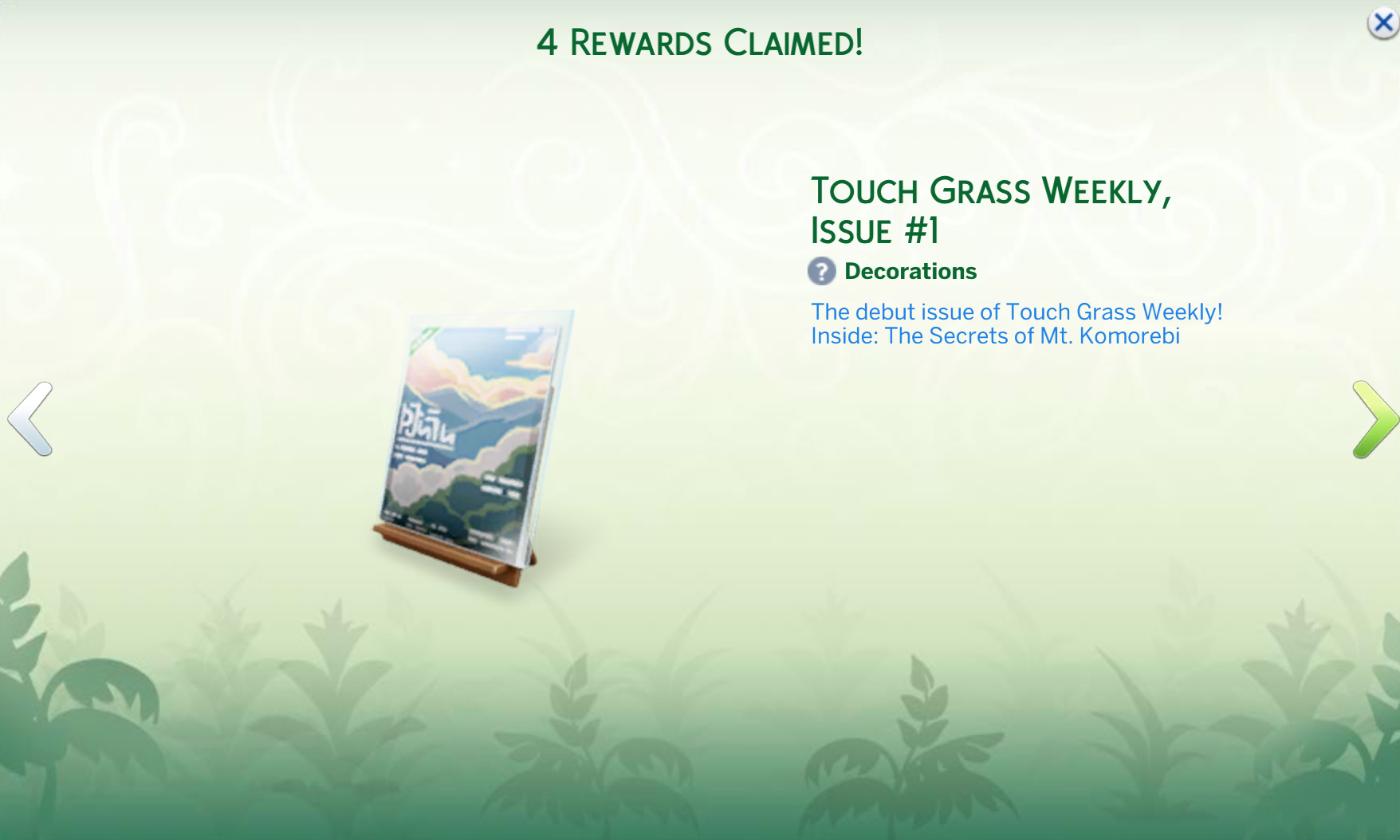
Once all of the Attuned to the Echoes tasks have been completed, I received the following rewards:

  • Handiness Vol 1
  • Reclaimed Wood Wall
  • Instant Hygiene
  • Touch Grass Weekly, Issue #1

⏳ What’s Next?

Once the weekly quests are done, the event window shows a countdown until the next quest set unlocks. Good news: if you’re joining late, you can still access previous weeks’ quests, and there’s a two-week grace period after the final week to catch up.

See you next week for the more Nature’s Calling quests!

— Jenn

The Birds are Back!

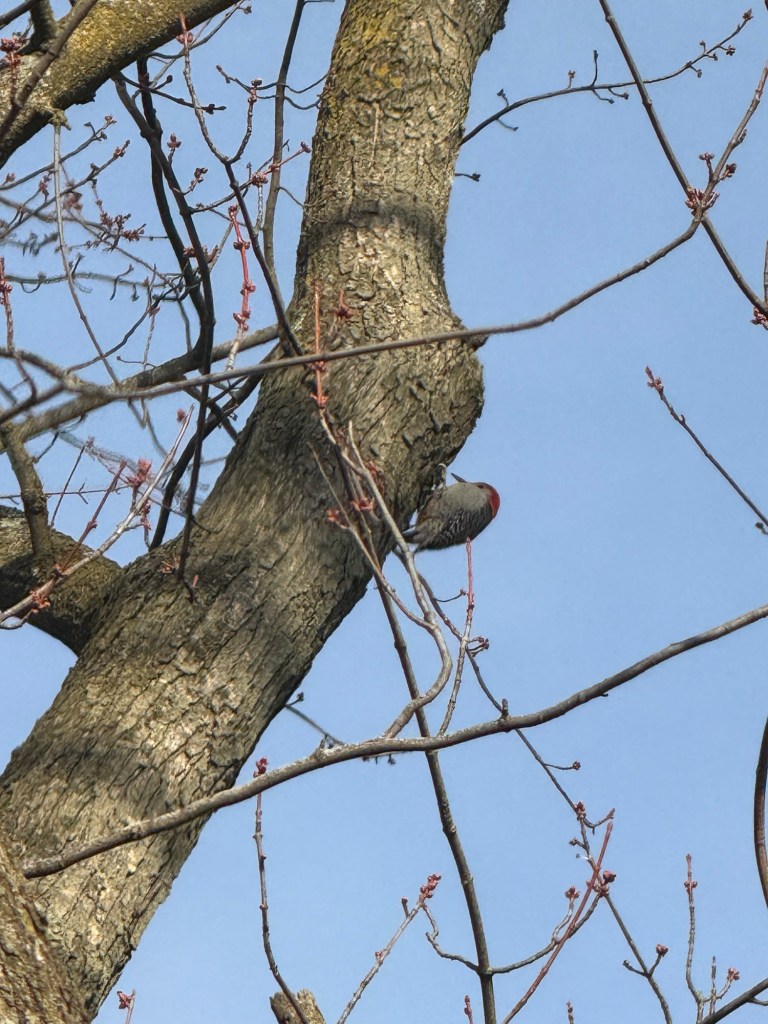
For several years, we have used the Merlin Bird ID app to identify different birds while on our walks. This morning, I heard a different bird (from our usual robins and house sparrows), and it said it was a red-bellied woodpecker. I stepped out on the porch and quickly found the little guy on a tree in our front yard!